Director AI Review: Can an AI Creative Director Really Take Video Production Off Your Plate?
The problem Director AI is trying to solve
Making a video is no longer the only difficult part of video marketing. The harder problem is deciding what the video should be in the first place.
Before a camera is switched on or an editor opens a timeline, someone still has to find a worthwhile angle, understand the audience, choose a format, write a hook, structure the message, select visuals, record a voice, add captions and decide where the call to action belongs. Many AI video tools speed up only the final step. They produce something once you have already done the creative thinking.
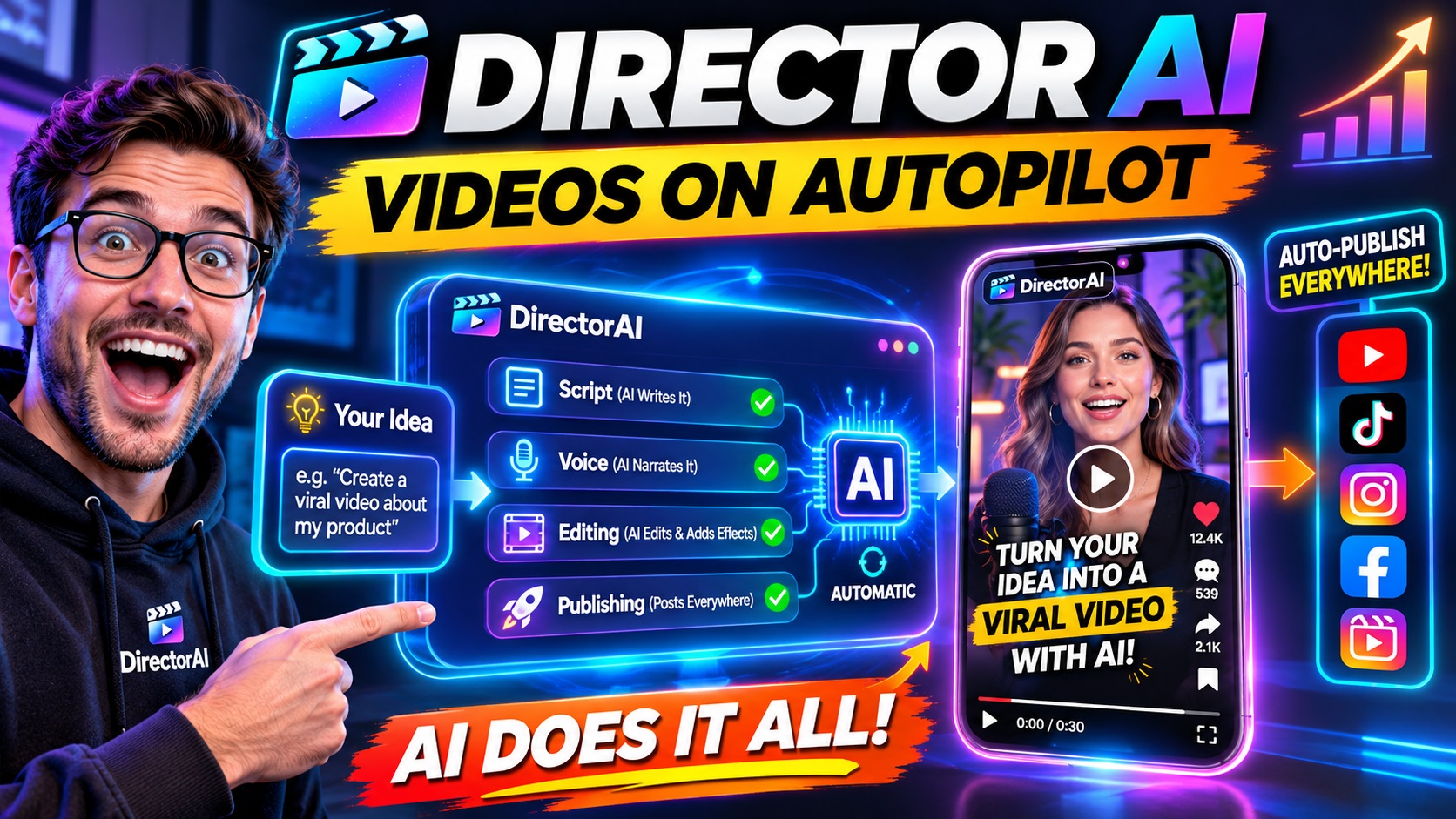
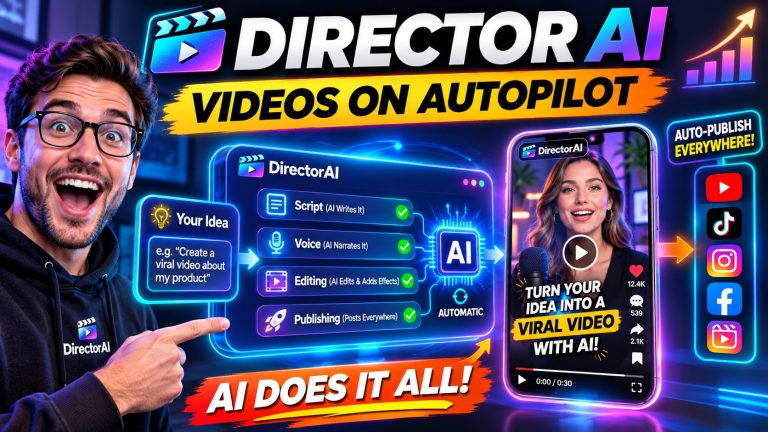
That is the gap Director AI is designed to address. Rather than treating AI as a fast production assistant waiting for detailed instructions, it presents itself as an automated creative director. The intended workflow is simple: give it a goal, and it researches, chooses a suitable direction, builds the script and produces a finished video for review.
That distinction matters most for people who know they need more video content but regularly get stuck at the blank screen. It may also appeal to small businesses, affiliate marketers, ecommerce sellers and creators who can think of several possible ideas but do not have the time or specialist skills to turn each one into a polished short-form video.
How Director AI works
The basic promise is an idea-to-video workflow rather than a traditional editing workflow. You describe an objective, such as promoting a product, explaining a service or creating a short social video, and Director AI is intended to make several creative decisions on your behalf.
Those decisions can include the video format, hook, script, visual style, avatar or voice, captions, pacing and call to action. The product also describes a Director Auto-Mode for allowing the system to handle the process automatically, while still giving the user the opportunity to review generated details before production.
In practical terms, this should feel less like opening a blank editing project and more like briefing a junior creative team. A hypothetical instruction might be: “Create a vertical UGC-style video for a smart kitchen blender, showing how quickly it makes a strawberry smoothie.” The expected output would include the marketing angle, spoken script, presenter or voice, supporting visuals, captions and CTA.
That does not mean every result will be perfect without review. AI-generated content still needs checking for accuracy, tone, pronunciation, product details and visual consistency. The value is that the first draft is intended to arrive as a directed, usable concept rather than as a collection of disconnected assets.
The features that matter most
Goal-first creative direction
This is the feature that gives Director AI its clearest identity. Instead of requiring a carefully engineered prompt, the platform says it can work from a goal and choose the format, hook, script and style that best fit that goal.
For someone experienced in content strategy, that may not be essential. A professional creative already knows how to develop angles and briefs. For everyone else, however, removing those early decisions could be more valuable than simply generating a video faster. A mediocre production process often begins with an unclear idea, and better automation at the beginning can prevent hours of work being spent on the wrong concept.
Live trend intelligence
Director AI includes what it calls Live Trend Intelligence, intended to help identify formats and creative approaches that are currently attracting attention. This is relevant to short-form content, where an idea can become stale quickly and where presentation style often matters almost as much as the message itself.
The sensible way to view this feature is as a source of direction, not a guarantee of reach. No tool can control audience interest, platform distribution or the quality of the underlying offer. Trend awareness may help a video feel more timely, but the final result still needs a clear message and a legitimate reason for viewers to care.
Avatars and talking photos
The platform supports AI avatar videos with lip-sync, multiple ready-to-use avatars and talking-photo videos that turn a still image into a speaking presenter. These options can be useful when recording real footage is impractical, when a brand needs frequent variations or when a creator wants to produce educational content without appearing on camera.
Talking photos could be particularly useful for simple announcements, introductions or promotional messages. They are less likely to replace authentic on-camera content in situations where trust depends heavily on a real person’s natural presence. Users should also pay attention to whether an avatar’s expression, voice and pacing suit the brand rather than assuming that a technically realistic presenter will automatically feel convincing.
Voices, podcasts and translation
Director AI lists more than 50 AI voices, including male, female and accent options, along with emotion-based speaking styles. It also includes a two-host AI podcast creator and a video translator and dubbing function.
Those tools broaden the platform beyond short product advertisements. A business could use them for explainers, educational clips, translated versions of existing content or podcast-style discussions without arranging a recording session. Multiple voices may also make it easier to test different tones for different audiences.
As with any synthetic voice system, careful review is important. Pronunciation of names, specialist terms and brand words should be checked before publishing, particularly when a video represents a business publicly.
Automatic editing and exports
The editing features include subtitles, animated captions, text overlays, backgrounds, CTA buttons and HD export. Videos can be produced in vertical, square and landscape formats, which is useful when one idea needs to be adapted for different placements.
This is where the cloud-based design should feel convenient. There is no software installation or traditional timeline to learn, and the production process is meant to stay inside one dashboard. For a busy marketer, avoiding several separate tools for scripting, voice generation, editing and captions could make a noticeable difference to the daily workflow.
Practical ways to use it
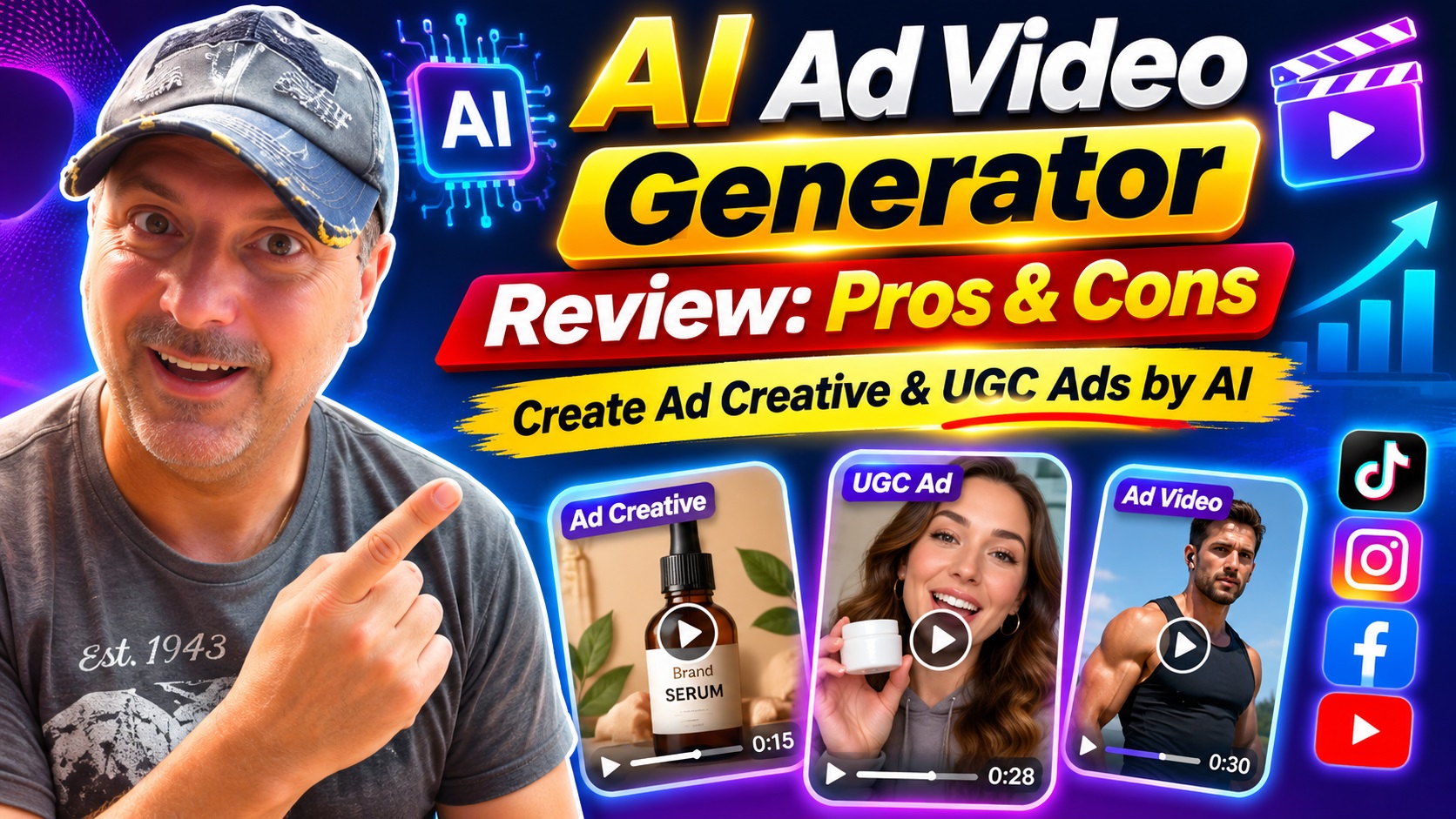
For ecommerce, Director AI could help turn a product description into several short-form concepts: a problem-and-solution demonstration, a UGC-style review, a comparison video or a direct-response advertisement. The ability to create variations matters because a single creative rarely suits every audience or platform.
Affiliate marketers may use it to create product-focused videos with hooks, voiceover, captions and calls to action without filming each item personally. That can make it easier to test different angles, although claims about a product still need to be accurate and compliant with the relevant platform and advertising rules.
Faceless channel creators may appreciate the combination of scripts, AI voices, B-roll, subtitles and short-form exports. Educational creators can use talking presenters, podcast-style formats or explainer videos to turn written ideas into more accessible content.
Small agencies and freelancers are another potential audience. The included commercial license is described as allowing users to create videos for clients and sell video services. That could make the platform more useful as a production resource rather than merely a personal content tool. Even then, the exact scope of commercial rights should be confirmed in the applicable terms, especially when client work involves third-party assets, music, likenesses or brand materials.
The case studies associated with the product reference large campaigns and viral outcomes, including major view counts, sales and subscriber growth. These examples may illustrate the kinds of formats Director AI aims to automate, but they should not be interpreted as expected results from using the software. A tool can reproduce a workflow or style; it cannot guarantee the audience, timing, offer or distribution that produced a particular campaign outcome.
Pros and cons
What looks strongest
- It focuses on decisions, not only production. The goal-first approach addresses the creative bottleneck that many basic generators leave to the user.
- The workflow covers a lot of ground. Scripting, avatars, voices, captions, editing and exports are designed to work together in one cloud-based service.
- It supports several content styles. Users can create UGC-style videos, faceless shorts, product videos, explainers, podcasts, ads, tutorials and translated content.
- It can support high-volume production. The ability to make variations and export for different formats may be helpful for regular social publishing.
- Commercial use is included in the offer. This is relevant to freelancers, agencies and anyone intending to create client work, subject to the license terms.
What to consider carefully
- Automation does not remove quality control. Generated scripts, visuals and voices can still be unsuitable, inaccurate or off-brand.
- Credits may limit volume. The offer includes 10,000 starting credits, but the practical number of videos that supports will depend on how credits are consumed by different features.
- Trend intelligence is not a performance guarantee. Timely formats can improve relevance, but they cannot ensure views, sales or viral distribution.
- Cloud access depends on the service. Nothing needs to be installed, which is convenient, but production requires an internet connection and continued access to the platform.
- Some brands may prefer authentic footage. AI avatars and synthetic voices are useful in many contexts, but they will not suit every audience or campaign.
Pricing and value
The offer describes Director AI as a one-time purchase priced at $197, with no monthly fee and lifetime use. It also states that 10,000 credits are included to begin creating, along with a commercial license, platform access and updates.
That price can look attractive compared with paying separately for a scriptwriting tool, avatar platform, voice generator, captioning service and editor. The real value, though, depends on how much content you need and how deeply you use the system. Someone creating one occasional video may not need such a broad toolkit. A marketer producing multiple variations each week could make better use of the bundled workflow.
Before purchasing, I would pay particular attention to the credit system, what “use forever” includes, whether all listed studios remain available under the one-time offer and how commercial licensing applies to generated media. Those are practical details that matter more than the headline price when a tool becomes part of a business process.
Who should use Director AI?
Director AI seems best suited to people who want to publish more video but do not want to become full-time editors, scriptwriters or production managers. That includes small businesses, online sellers, affiliate marketers, social media managers, educators, freelancers and creators building faceless content channels.
It may be especially helpful for someone who has plenty of ideas but struggles to turn them into finished assets. The platform’s main benefit is not merely speed; it is reducing the number of creative and technical decisions required before a video exists.
It may be less suitable for a production team that needs precise frame-by-frame control, highly custom visual direction or a consistent real-person identity across a major brand campaign. Experienced editors may also find the automated approach restrictive when they want complete control over every scene.
Frequently asked questions
What is Director AI?
Director AI is a cloud-based AI video creation platform designed to turn a goal or idea into a finished video. It combines creative direction, scripting, voices, avatars, visuals, captions, editing and export in one workflow.
Do I need to write detailed prompts?
The service is designed around goal-based instructions rather than complex prompts. You can describe what you want to achieve, and the system is intended to choose an appropriate format and creative direction.
Can I use the videos commercially?
The offer includes a commercial license and describes using the videos for clients or selling video services. Review the current license terms for specific restrictions involving third-party content, music, likenesses and client work.
Does Director AI create avatar videos?
Yes. It includes AI avatar videos with lip-sync, ready-to-use avatars and talking-photo videos that animate a still image into a speaking presentation.
Can it create videos for different social platforms?
The platform lists vertical, square and landscape exports, as well as content for Reels, Shorts and YouTube. You should still check each finished video manually for platform-specific requirements and presentation.
Are viral results guaranteed?
No. Director AI can help with formats, hooks, pacing and trend-informed creative choices, but views, engagement and sales depend on many factors outside the software.
How many credits are included?
The offer states that 10,000 credits are included to start creating. The number of projects those credits cover will depend on the tools and production settings used.
Final verdict
Director AI is aimed at a real and frustrating bottleneck: many people do not need another blank editor, they need help deciding what to make. Its strongest idea is to combine creative direction with production, so the user can begin with a goal instead of assembling every part of a video manually.
The mix of avatars, voices, talking photos, podcasts, translation, captions, product videos and social exports gives it a broad range of possible uses. The one-time pricing structure and included commercial license may also make it appealing to businesses and freelancers who expect to create content regularly.
It is still important to approach the automation sensibly. Generated videos should be reviewed, product claims should be checked and trend-based features should be treated as guidance rather than a shortcut to guaranteed success. The people most likely to benefit are those who value speed and creative assistance more than detailed manual control.
If your biggest obstacle is staring at an empty project and wondering which angle, script or format to choose, Director AI is worth exploring. It is designed to turn that uncertainty into a more guided path from idea to publishable video, while leaving you with the final say before the content goes live.